 Alomar ApplyCreate account
Interview and creator careers
Best webcam for a job interview? Test these basics before buying
Test your current camera, lighting and connection before buying an interview webcam. Compare compatibility and privacy features with an official manufacturer example, not an untested promise of hiring success.
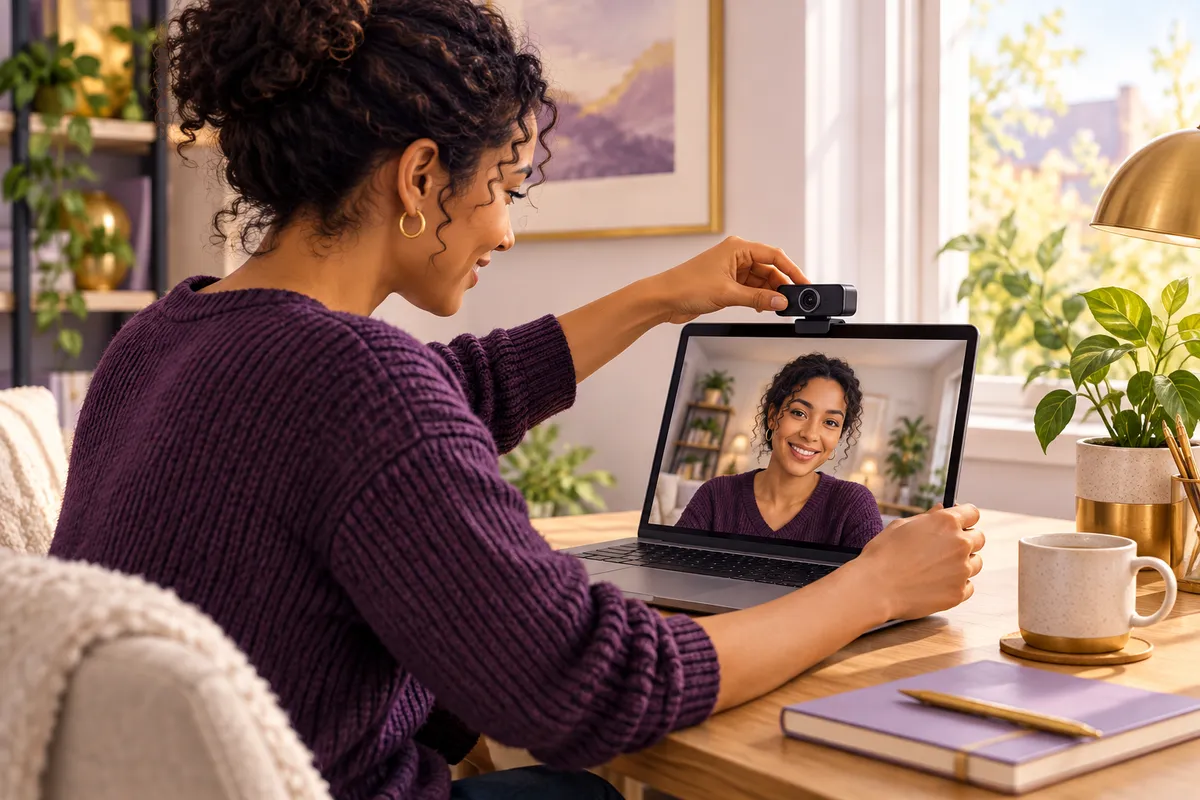
Diagnose the problem before shopping
Open the actual meeting application or its test feature and look at a recording of yourself speaking. A dark image might come from sitting in front of a bright window rather than from a bad camera. A blurry picture might improve after cleaning the lens or moving the device. A frozen picture may involve the connection, not the lens.
Change one factor at a time: face the light, raise the camera securely and close unnecessary applications. Keep a note of what changed. If the result is already clear enough for a conversation, spending money may not solve a meaningful problem. Use your budget for a real gap rather than an impressive specification.
Compare the features you will actually use
If you need an external webcam, check its connector, supported operating system, mounting method, microphone options and privacy control. Make sure it can sit securely on your screen without damaging it. If your laptop only has a different port, include a suitable adapter in the total cost rather than discovering that problem before the interview.
Logitech’s official Brio 100 page describes Full HD 1080p, a built-in microphone and a privacy shutter. It is a manufacturer example of features to compare, not a product we tested or a universal recommendation. Recheck current compatibility, price and return terms on the official product page before choosing it.
Run a practice call with a second person
Ask someone to join a short test from another connection. Have them tell you whether your face is visible, the framing is stable and speech is understandable. Move as you normally would in an interview. If you use a background effect, check that it does not hide your hands or make the image distracting.
An original scorecard can use three simple results: works, needs adjustment and needs replacement. Score picture, sound, mounting and connection separately. A camera that looks sharp but causes unreliable audio selection is not a complete solution. Save the setup that works so you are not adjusting it during the real call.
Have a fallback and protect privacy
Before the meeting, know how to select the correct camera and microphone. Check whether a browser or system privacy setting blocks access. Keep the invitation and a contact method available in case video fails. Follow the employer’s instructions about a backup phone connection rather than joining from multiple devices with live microphones.
Close personal documents and notifications before screen sharing. After the call, close the meeting and cover or disconnect the camera if that is part of your privacy routine. A reliable basic setup supports your answers, but the camera does not create qualifications or guarantee an interview outcome. Prepare the work examples as carefully as the equipment.
Your next action: choose one item from this guide and complete it before the next application.
Questions and answers
Do I need a 4K webcam?
Not automatically. Test the actual meeting setup and buy only for a demonstrated need.
Was Brio 100 tested by Alomar Apply?
No. It is an official manufacturer example, not a hands-on review.
What should I check before paying?
Compatibility, connector, mount, audio, total cost and current return terms.
Watch and practice
Ace your Virtual Job Interview: 4 Top Tips from CareerOneStop.org
Embedded YouTube video. YouTube’s privacy policy applies when the player loads.
Free resources
Sources and scope
Official sources checked November 2, 2026. Openings, equipment specifications, costs and eligibility can change. Check the original page before acting.
- https://www.logitech.com/en-us/shop/p/brio-100-webcam
- https://support.zoom.com/hc/en/article?id=zm_kb&sysparm_article=KB0060748
- https://www.careeronestop.org/JobSearch/Interview/virtual-interviews.aspx
Public questions are paraphrased; practice examples are original. Names and links do not imply affiliation or endorsement.
Read our editorial standardsYour next step
Turn your research into a focused application. Save truthful profile details, review each employer’s requirements and track confirmed submissions.
Alomar Apply assists with supported applications. Jobs, interviews, earnings and time savings are not guaranteed.