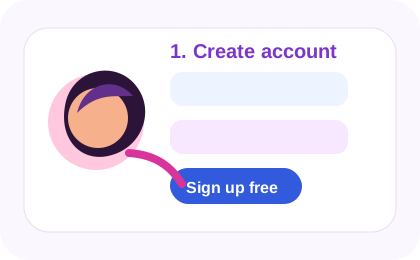
Create accountOne email/license.
 Alomar Apply
START, REVIEW AND CONFIRM
Set up Alomar Apply, sign in to a free job-board account, choose a resume and review one application before submission.
Read more →docsPrepare contact details, phone preferences and job-specific answers, and pause before editing information used in an application.
Read more →docsChoose the right resume PDF, inspect the employer destination and confirm uploads and submission on external recruiting websites.
Read more →docsRead Start blockers, confirm the loaded extension version and resolve missing saved answers without repeating application submissions.
Read more →ALOMAR APPLY HELP CENTER
Use these guides in order for the cleanest first-time setup. Keep the same email or license across the website, Chrome extension, and iPhone web app.

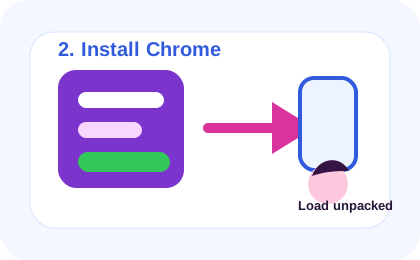
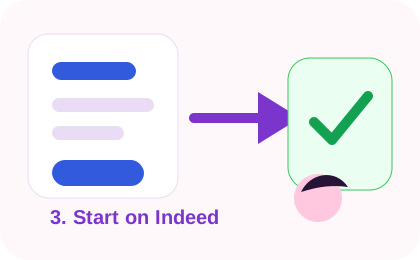
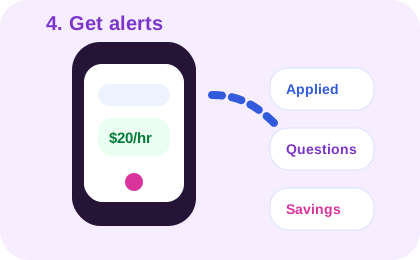
CURRENT WORKFLOWS
Known profile answers can be filled. Unfamiliar required questions, addresses, voluntary demographic choices, and human verification pause for your review.
STEP-BY-STEP LIBRARY
Start at step one if this is your first install, or jump directly to the job site you are using now.
JOB SEARCH SEO LIBRARY
Evergreen job-search guides for Indeed, LinkedIn Easy Apply, saved answer rules, AI resume prompts, and application tracking.
The public backend API guide explains the account, license, analytics, notification, and extension sync contract without exposing secrets.
Backend API guideUse Apply with Indeed on Indeed or Easy Apply inside LinkedIn. External company-site applications remain excluded. Both paths stop for unfamiliar required answers and count only confirmed submissions.
Open the changelog after every update to see the full list of website, Chrome extension, iPhone, license, and UX changes.
Open changelog